Bluetooth connection
Open Setup, go to Connect, scan for named BLE devices, then select your treadmill. If it does not appear, restart Bluetooth and check whether your treadmill supports FTMS.
 TreadPulse
Support
Find help with setup, Bluetooth connection, trial access, Google Play unlock and safer progress tracking.
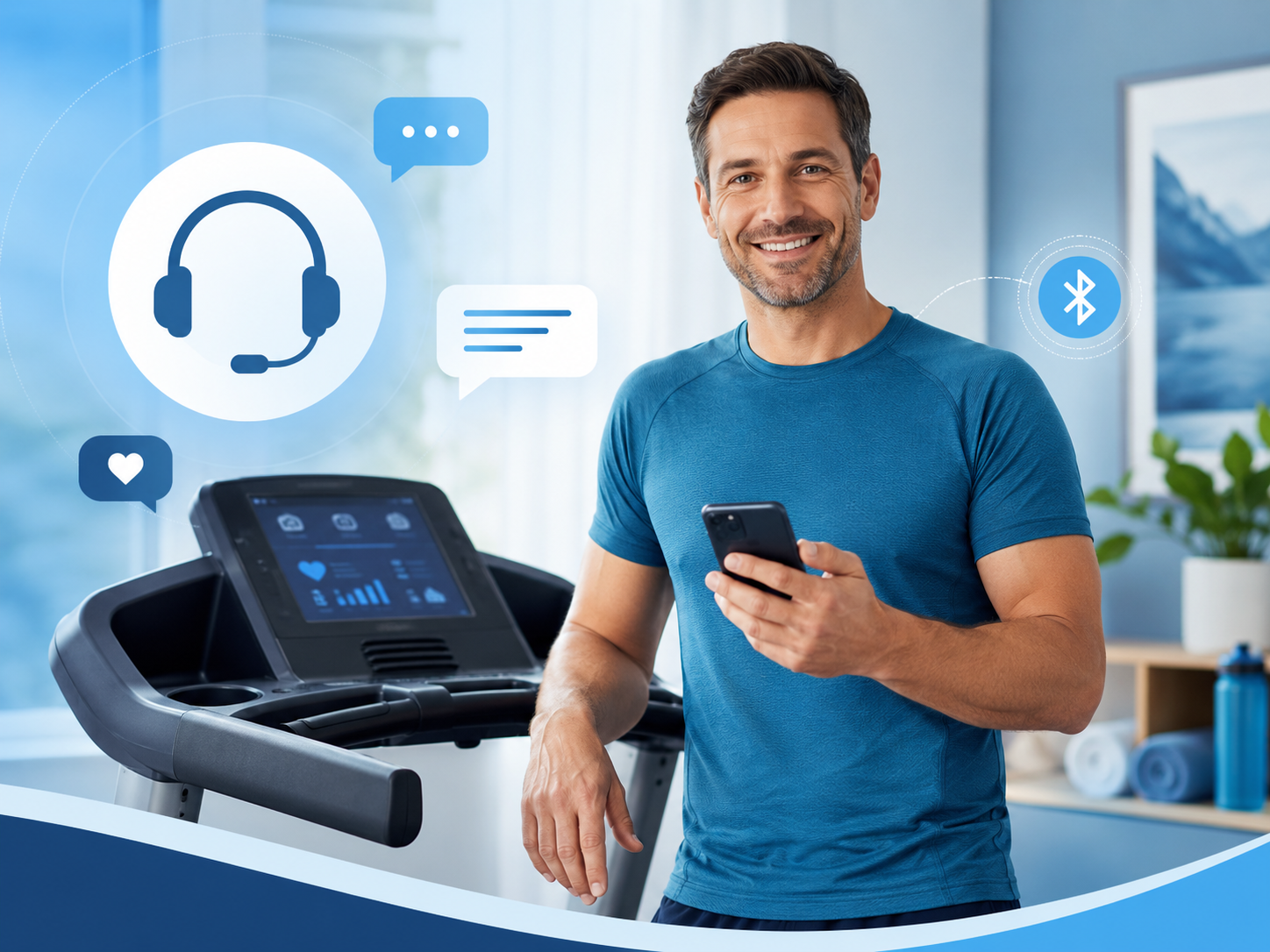
Open Setup, go to Connect, scan for named BLE devices, then select your treadmill. If it does not appear, restart Bluetooth and check whether your treadmill supports FTMS.
TreadPulse starts with a trial period. After the trial, unlock is handled through Google Play using the one-time app purchase route inside the app.
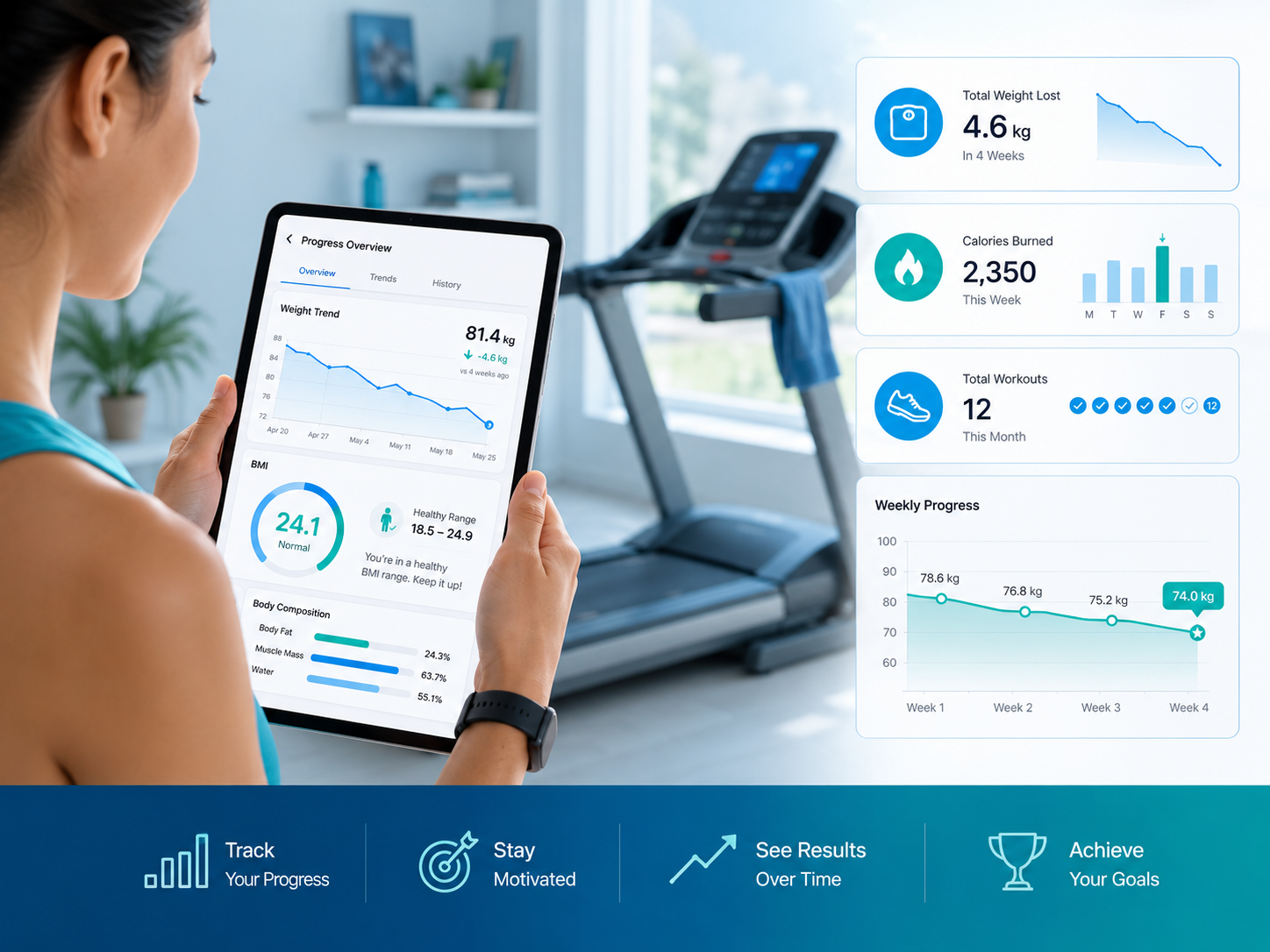
Use accurate height, weight, age and fitness details. TreadPulse uses these to estimate BMI, target pathway and suitable treadmill sessions.
Start gently, use the treadmill safety clip, keep water nearby and stop if you feel dizzy, short of breath, faint or unwell.
Payments, purchase records and refunds are handled by Google Play. Use the same Google account to restore purchases on reinstall.
Need more help? Use the contact page and include your phone model, Android version and treadmill model where possible.
Progress support
TreadPulse can support healthier treadmill habits, but users with medical conditions, injury concerns or very high BMI should speak to a qualified healthcare professional before starting.